
An incident response plan is a leadership-approved, actionable document that defines who does what, when, and how during a security incident, spelling out roles, severity thresholds, containment playbooks, and communication protocols. The immediate next step, before you write another page of policy, is to build a one-page jump kit your Incident Commander can follow in the first hour: emergency contacts, a severity scale, and the first ten decisions to make.
TL;DR:
- Most incident response plans fail due to information being scattered, so consolidating key data into a single navigable document is crucial for rapid decision-making during crises.
- Formal authority, clearly defined roles with backups, and a signed-off scope ensure swift actions and prevent confusion when the incident escalates.
- Regular testing of backups, detection, and recovery procedures is essential to verify readiness, with a focus on measurable outcomes like recovery time and containment speed.
- Incident communication must follow pre-established matrices, including out-of-band contacts and approval processes, to prevent misinformation and legal issues during incidents.
- Post-incident reviews and plan updates are vital for continuous improvement, with documented changes and owner assignments reducing repeated gaps in response.
Table of Contents
- What Goes Into an Incident Response Plan?
- Incident Response Lifecycle: What Happens in Each Phase?
- Who Does What During an Incident?
- Ready-to-Use Playbooks for the Incidents You’ll Actually See
- How Should You Communicate During an Incident?
- How Often Should You Test Your Incident Response Plan?
- What Happens After an Incident Is Resolved?
- Where to Find Templates and Reference Materials
- 247Techify’s Perspective: The Gaps We See Most Often
- Get Your Incident Response Plan Audit-Ready
- Sources
- FAQ
What Goes Into an Incident Response Plan?
Most incident response plans fail not because they’re missing information, but because that information is scattered across wikis, Slack threads, and someone’s memory. A working plan consolidates everything an Incident Commander needs into one navigable document, structured so a stressed team member can find the right page in under thirty seconds.
The NIST SP 800-61 Rev. 3 guidance frames incident response as one function inside a broader cybersecurity risk management program, not a standalone binder that only gets opened during a crisis. That framing matters because it pushes organizations to link their IRP to governance, asset inventories, and access controls instead of treating it as an isolated checklist.
A complete incident response plan example includes these core components:
- Purpose, scope, and sign-off. State what systems and data the plan covers, and get a signature from an executive sponsor. Without formal approval, the plan has no authority when someone needs to shut down a production server at 2 a.m.
- Contact roster with backups. Every named role needs a primary and at least one backup, with cell numbers, personal email addresses, and an escalation path if the first two contacts don’t respond within a set window.
- Severity matrix. A simple table mapping impact (data exposed, systems down, customers affected) to a numbered severity level, with each level tied to a specific response tier and notification requirement.
- Scenario playbooks. Short, scenario-specific procedures for ransomware, phishing, data breaches, and outages, each with its own first-hour checklist.
- Evidence handling guidance. Instructions for preserving logs, memory dumps, and disk images before systems get reimaged or restored, since eradication too early destroys the forensic trail investigators and insurers will ask for later.
- Communications templates. Pre-written drafts for internal alerts, customer notifications, and regulator disclosures, plus an out-of-band contact list in case email or Slack is the thing that’s compromised.
- Business continuity linkage. A pointer to your disaster recovery runbooks and vendor SLAs, so the IRP doesn’t duplicate recovery time objectives already defined elsewhere.
CISA’s IRP basics guidance describes this as a written plan approved by senior leadership with clearly staffed roles like Incident Manager, Technical Manager, and Communications Manager. That staffing detail is where most draft plans fall apart. Organizations write excellent technical playbooks and then leave the roles section as a vague list of departments instead of named people with phone numbers.
If you’re building this from scratch, Canadian organizations have a real shortcut: Cyber walks through identifying critical assets, forming a response team, and drafting policies, and it comes with a template structure you can adapt rather than build from a blank page. Pair that with an AWS Well-Architected framework recommendation to formalize severity levels and out-of-band communication methods before you need them, not while an incident is unfolding.
The vendor contract angle deserves more attention than it usually gets. If your backup provider, cloud host, or payment processor has its own incident notification obligations, your IRP needs to name them and specify who calls whom, and within what window. A breach involving a third-party processor without a documented contact path adds hours to your response time exactly when hours matter most.
Incident Response Lifecycle: What Happens in Each Phase?
The incident response lifecycle most security teams follow breaks into four connected phases: preparation, detection and analysis, containment/eradication/recovery, and post-event activity. Each phase has its own artifacts and its own clock.
- Preparation. This is where you inventory critical assets, deploy monitoring tools, write playbooks, and assemble the jump kit. Keep an offline or physically secured copy of the plan itself. Primary systems, including the file server where your IRP lives, can be exactly what an attacker locks down first, which means the document you need most is the one you can’t open.
- Detection and analysis. Someone flags an anomaly, and the team runs a triage checklist: what triggered the alert, which systems are affected, and what’s the earliest evidence of compromise. Build a timeline immediately and capture indicators of compromise (IOCs) as you find them, because reconstructing a timeline from memory two days later is far less reliable than logging it in real time.
- Containment, eradication, and recovery. Isolate affected systems without destroying evidence. Preserve disk images and logs before you eradicate malware or reimage machines. Recovery means restoring from clean, verified backups, ideally immutable backups that an attacker couldn’t have tampered with even if they had administrator access.
- Post-event activity. Run a blameless retrospective, document what worked and what didn’t, and turn findings into prioritized remediation items with owners and deadlines.
Pro Tip: Regularly test your restore process, not just your backup schedule, to ensure reliable recovery. A backup that has never been restored is a hypothesis, not a safety net.
The Atlassian lifecycle model adds a useful operational layer to this: set up a dedicated communication channel the moment an incident opens, assign a severity level within minutes rather than hours, and keep a running timeline visible to the whole response team. That single habit, an always-updated timeline, does more for post-incident clarity than almost anything else on this list.
Preparation carries outsized weight compared to the other three phases, underlining the importance of strong security and reliability controls to ensure effective preparation. Teams that walk into an incident with tested playbooks, a ready jump kit, and verified backups consistently contain problems faster and limit the damage, simply because they’re executing a rehearsed plan instead of improvising one under pressure.
Who Does What During an Incident?
Confusion about authority costs more time than almost any technical delay. The fix is a short, specific list of roles, each with one job and one backup.
- Incident Commander (IC). Coordinates the response, makes go/no-go calls, and talks to leadership. The IC should never touch a keyboard to fix anything directly. Their job is coordination and situational awareness, and stepping into technical remediation is the fastest way to lose track of the bigger picture.
- Technical Lead. Owns containment and recovery actions: isolating systems, applying patches, restoring from backup. Reports findings and options to the IC, who then decides.
- Communications Lead. Drafts and sends internal updates, customer notices, and coordinates with PR if the incident becomes public.
- Legal Counsel. Reviews any external notification for regulatory exposure and advises on breach disclosure timelines before anything goes out the door.
An authority matrix should spell out, in plain language, who can isolate a production system without further sign-off, and who must approve an external notification before it’s sent. Some teams borrow the “5 C’s” framework from incident command systems (Command, Control, Communications, Coordination, Cooperation) to keep the structure clean when multiple departments and outside vendors are pulled into the same incident.
Every role needs a named backup, listed by first name, last name, cell number, and a personal email address that doesn’t depend on the systems currently under attack.
Ready-to-Use Playbooks for the Incidents You’ll Actually See
Generic response plans read well but fall apart on the day something specific goes wrong. Scenario-specific playbooks close that gap. Here’s a compact starting structure for the four incident types decision-makers report most often.
- Ransomware. Isolate affected endpoints from the network immediately, but don’t power them off. Preserve volatile evidence, coordinate with your backup team to confirm the last known clean recovery point, and route all public statements through legal and communications before anyone confirms or denies a ransom demand publicly.
- Phishing. Identify every account that clicked or entered credentials, force password resets across that scope, and threat-hunt for lateral movement, since a single compromised inbox is often the entry point for a much larger intrusion.
- Data breach. Determine immediately whether regulated data (health records, payment card data, personal identifiers) was exposed. That answer sets your legal notification clock, so document exposure scope before anything else, then move to a customer notification checklist built around your legal timeline, not your comfort level.
- Service outage or denial-of-service. Apply traffic filtering at the network edge, fail over to a CDN or backup capacity, and communicate expected recovery windows to customers even before root cause is confirmed.
Pro Tip: Print these four playbooks and keep a physical copy with your jump kit. If your intrusion involves ransomware, your digital copy might be exactly what’s encrypted.
Recovery quality on the ransomware and outage scenarios depends heavily on whether your backups are truly immutable and regularly tested, a detail worth reviewing in more depth in this guide to immutable backups and ransomware recovery.
How Should You Communicate During an Incident?
Communication mistakes made in the first hour are the ones that follow an organization into regulatory hearings and news coverage months later. Pre-written templates and a clear notification matrix prevent most of them.
- Notification matrix. Define, in advance, which severity level triggers a message to executives, which triggers a board update, and which requires customer or regulator notification. Don’t leave this decision to be improvised mid-incident.
- Out-of-band contacts. List phone numbers, SMS contacts, and personal emails for every stakeholder who needs updates, in case your primary systems (including email) are compromised or unavailable.
- Legal and PR involvement. Loop in counsel before any external notification goes out, and involve PR when an incident has any chance of becoming public. Document every disclosure decision and who approved it.
- Public statement rules. Never confirm technical details you haven’t verified, never speculate about attacker identity or motive publicly, and route every external statement through the same approval chain every time, with no exceptions for “minor” incidents.
Building this once, calmly, saves you from writing it under pressure while a customer-facing outage is trending on social media.
How Often Should You Test Your Incident Response Plan?
A plan that’s never been tested is a draft, not a plan. Testing turns paper procedures into muscle memory and exposes the gaps that only show up under simulated pressure.
- Run at least one tabletop exercise per year. Many mature security teams run two tabletops annually plus one technical drill, walking a realistic scenario (a phishing compromise, a ransomware event) through the full team with a facilitator, observers, and defined success criteria.
- Add technical drills on top of tabletops. Restore a system from immutable backups to verify the process actually works. Simulate a detection alert to time how fast your team notices and responds. Run a forensic readiness check to confirm logs are actually being captured where you’d need them.
- Track measurable outcomes, not just completion. Time-to-detect, time-to-contain, time-to-recover, and remediation closure rate are the four numbers that tell you whether your plan is improving year over year. Tie these targets to your application-level recovery time objectives so the test reflects actual business impact, not an arbitrary benchmark.
What Happens After an Incident Is Resolved?
Closing an incident isn’t the end of the work. It’s the point where the plan either gets better or quietly goes stale until the next crisis exposes the same gaps.
- Run a blameless postmortem with a full timeline and the evidence collected during the incident, and invite input from every team that touched the response, not just security.
- Rank remediation items by risk, assign a named owner to each, and set a real deadline rather than a general intention to “look into it.”
- Version the IRP itself every time something changes, and log what changed and why, so the document has a visible history instead of silent edits.
- Sync any changes with your business continuity plans and vendor SLAs, since an update to recovery procedures that isn’t reflected in your backup contracts creates a gap nobody notices until the next incident.
- Report outcomes and improvements to leadership. CISA’s guidance specifically calls out blameless reviews as producing better remediation outcomes than fault-finding retrospectives, largely because people report problems honestly when they’re not afraid of being blamed for them.
Where to Find Templates and Reference Materials
Choosing the right starting template depends on your size and regulatory exposure. A five-person startup and a HIPAA-regulated clinic need very different levels of documentation rigor.
- Government templates. Cyber and ISED’s fillable IRP template are built for audit-readiness and work well for regulated organizations that need a documented, defensible process.
- NIST and CISA frameworks. Best suited for organizations that want rigorous lifecycle alignment and are willing to invest time mapping their controls to a formal standard.
- Publisher-provided checklists. A NIST-aligned incident response retainer checklist gives smaller teams a faster path to something usable without building a compliance program from zero.
Preparation quality correlates directly with containment speed. Teams walking into an incident with tested playbooks and verified backups consistently limit damage faster than teams improvising a response for the first time.
247Techify’s Perspective: The Gaps We See Most Often
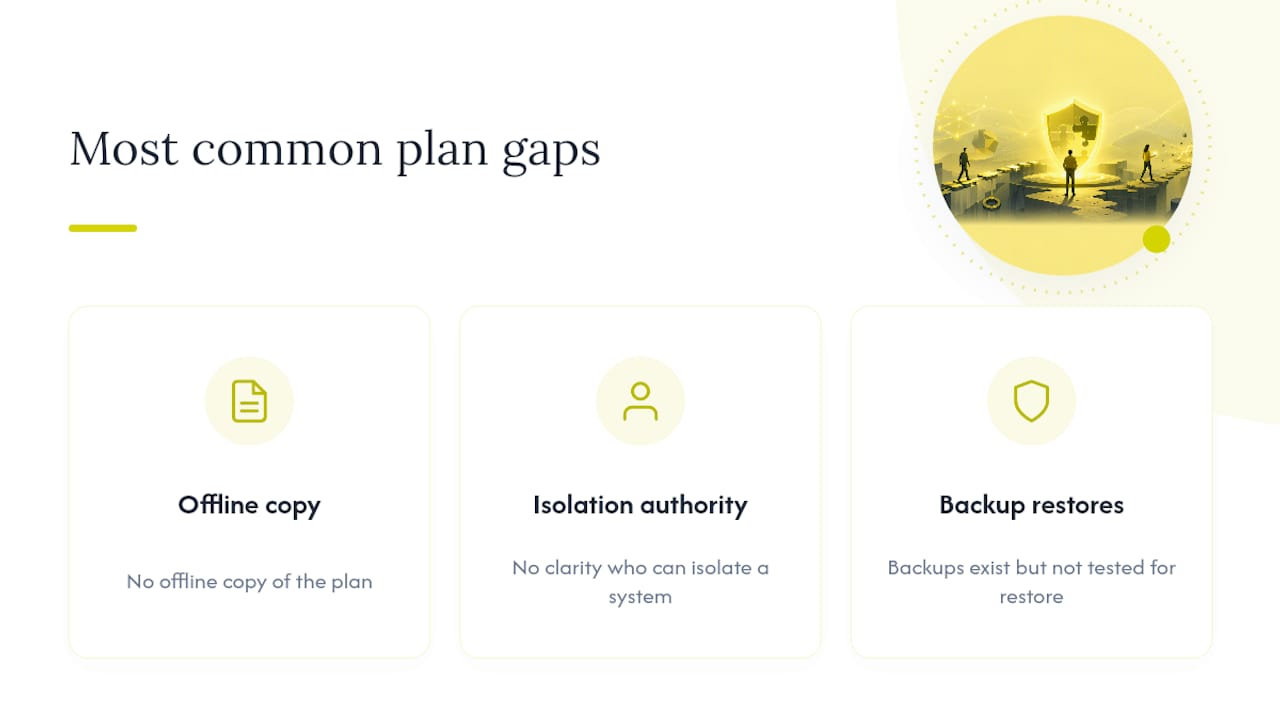
The plans that fail during a real incident almost always share the same three gaps: no offline copy of the plan itself, no clarity on who actually has authority to isolate a system, and backups nobody has tested restoring from. None of these are technically hard to fix.
A managed IR retainer or managed security services partnership closes these gaps faster than most internal teams can alone, mainly by adding surge expertise the moment an incident starts rather than after someone spends an hour figuring out who to call. That’s the real value: not replacing your team’s judgment, but making sure the first hour isn’t spent searching for a phone number.
— 247techify Team
Get Your Incident Response Plan Audit-Ready
A managed security service offering with a rapid response promise and a team familiar with your environment can provide practical advantages over building incident response capability internally. That’s the practical advantage over building incident response capability from scratch internally, where the biggest delay is usually just getting the right person on the phone.

Whether you need a full managed security services engagement, a standalone incident response retainer, or help getting your compliance documentation audit-ready for HIPAA or PCI-DSS, 247techify’s team works from the same NIST-aligned framework covered in this guide. For regulated industries specifically, our compliance and auditing support closes the gap between a paper policy and a plan that actually holds up under review. Get in touch to walk through your current plan and identify exactly where the gaps sit, or start with our managed IT services if you’re building your security foundation from the ground up.
Sources
- Incident Response Recommendations and Considerations for Cybersecurity Risk Management: A CSF 2.0 Community Profile (NIST SP 800-61 Rev. 3)
- Incident Response Plan (IRP) Basics — CISA
- Cyber
- Incident Response Lifecycle: Stages and best practices | Atlassian
- Develop an Incident Response Plan: Fillable template and example — ISED (Cybersecure Canada)
FAQ
What Are the 5 Steps of Incident Response?
Many frameworks condense the process into five steps: preparation, detection, containment, eradication, and recovery, with a separate post-incident review sometimes counted as a sixth step depending on the model.
What Are the 7 Steps in Incident Response?
Some expanded models split containment, eradication, and recovery into separate stages and add identification and lessons learned, producing seven total steps: preparation, identification, containment, eradication, recovery, communication, and lessons learned.
What Are the 5 C’s of Incident Command?
Definitions vary by organization, but a common version uses Command, Control, Communications, Coordination, and Cooperation to describe how incident command structures keep multiple teams aligned during a response.
Can You Give an Example of an Incident Response Plan?
A practical incident response plan example includes a signed-off scope statement, a contact roster with backups, a severity matrix, scenario playbooks for ransomware and phishing, communication templates, and a jump kit the Incident Commander can use offline in the first hour.
How Often Should a Business Test Its Incident Response Plan?
Run at least one tabletop exercise annually, though many mature security teams run two tabletops plus one technical drill each year to keep the plan current and the team practiced.