
Incident response is the structured process that detects, contains, eradicates, recovers from, and learns from security incidents so your organization can stop attackers, restore operations, and preserve evidence. Understanding how security incident response works matters because the difference between a contained breach and a catastrophic one is measured in minutes, not days. Every mature program moves through six stages:
- Prepare — policies, playbooks, and team assignments before anything happens
- Detect — spot and triage the alert
- Contain — stop the spread
- Eradicate — remove the attacker’s foothold
- Recover — restore clean operations
- Lessons learned — fix what failed
Success means the attacker is out, systems are back online, evidence survives for investigators, and any legal notification deadlines are met.
Key Takeaways
Effective security incident response depends on rehearsed playbooks, clear role ownership, and fast containment that doesn’t sacrifice forensic evidence.
| Point | Details |
|---|---|
| Follow the six-stage lifecycle | Prepare, detect, contain, eradicate, recover, and document lessons learned every time. |
| Assign roles before the crisis | Name your incident commander and backup contacts now, with pre-authorized access. |
| Contain fast, preserve evidence | Isolate and reset credentials immediately, but capture logs before wiping any system. |
| Test the plan annually | The Canadian Centre for Cyber Security recommends yearly review at minimum. |
| Consider managed coverage | 247techify offers 24/7 monitoring with response under 30 minutes for teams needing extra bench strength. |
Table of Contents
- How Does the Security Incident Response Lifecycle Work?
- Who Owns What During an Active Security Incident?
- What Tools and Playbooks Make Response Repeatable?
- What Containment Actions Should You Expect First?
- How Often Should You Test Your Incident Response Plan?
- What Happens After the Incident Is Contained?
- How Does 247Techify Handle Security Incident Response?
- What Most IR Plans Get Wrong
- Get Incident Response Coverage That Actually Answers at 2 A.M.
- Sources
- FAQ
How Does the Security Incident Response Lifecycle Work?
Each stage in the incident response lifecycle carries specific tasks and a clear exit condition. Skipping one usually means repeating it later, under worse conditions.
- Preparation. Write the incident response policy, staff a cross-functional response team (CSIRT), build playbooks for common scenarios like ransomware and business email compromise, inventory critical assets, and confirm backups are actually restorable. This is where 80% of your response speed gets decided, long before an alert fires.
- Detection and identification. Analysts triage alerts from SIEM, endpoint detection, or user reports, determine scope, and formally declare an incident with a severity rating. NIST’s SP 800-61 guidance frames this stage around triage, prioritization, and evidence preservation from the first moment.
- Containment. Short-term actions isolate the immediate threat; long-term containment addresses root causes.
- Eradication. Remove malware and persistence mechanisms, patch the exploited vulnerability, and rotate every credential the attacker could have touched.
- Recovery. Restore from verified clean backups, reconnect systems in controlled stages, and run heightened monitoring for days afterward.
- Lessons learned. Hold a blameless debrief within 48 to 72 hours and track every corrective action to closure.
Pro Tip: Time the gap between detection and declaration. If your team takes longer to confirm an incident than to actually contain it, your triage process, not your containment tools, is the bottleneck.
Who Owns What During an Active Security Incident?
Ambiguity about roles costs more time than any technical delay. An incident commander (IC) should hold clear escalation authority: the person who decides when to isolate a production server, notify the executive team, or call outside counsel.
Beyond the IC, a functioning incident response team typically includes:
- SOC analyst — monitors alerts and hands off confirmed incidents
- Incident handler — executes containment and eradication actions on the ground
- Forensics and threat intel — preserves evidence and identifies attacker tactics
- IT and network administrators — apply isolation, patching, and credential resets
- Legal and compliance — determines notification obligations under provincial or federal privacy law
- Communications — manages internal updates and, if necessary, public statements
Every plan needs backup contacts for each role and an out-of-band communication channel, since attackers sometimes sit on the same email or chat system your team uses to coordinate. Pre-authorize emergency access for the handler and forensics roles now. Requesting elevated permissions mid-incident, while waiting on an approval chain, is a common and avoidable delay.
What Tools and Playbooks Make Response Repeatable?

A SIEM aggregates logs and flags anomalies; a SOAR platform takes it further by executing predefined response actions automatically, isolating a host or disabling an account without waiting for a human to click through five different consoles. Automation and AI-assisted monitoring measurably speed up triage, though the SANS Institute is explicit that playbooks still need human decision gates before any high-risk or irreversible action fires.
A solid playbook defines:
- Trigger conditions — what alert or pattern activates this playbook
- Decision gates — where a human must approve before proceeding
- Specific actions — isolate, disable, reset, escalate
- Exit criteria — what confirms the threat is contained
- Documentation requirements — who logs what, and where
Pro Tip: Build a “jump bag” now, not during the incident. Security teams that pre-stage forensic tools, clean laptops, and pre-authorized credentials cut hours off response time compared to teams scrambling to provision access mid-breach.
Automate the low-risk, repetitive actions. Reserve human approval for anything that could take down a production system or affect customer data.
What Containment Actions Should You Expect First?
Containment happens fast, and it should. The first moves are almost always short-term and reversible:
- Isolate affected endpoints from the network
- Block malicious IPs and domains at the firewall or DNS layer
- Disable compromised user accounts
- Force credential resets across affected systems
Longer-term containment follows once the scope is clearer: rebuilding compromised images from known-good sources, applying temporary network segmentation, or failing over to a clean environment while the primary one gets rebuilt.
Microsoft’s containment guidance is direct on this point:
Disabling user accounts and resetting credentials are among the fastest, lowest-regret containment actions available, because they cut off attacker access without requiring a full system rebuild.
The trade-off IT managers underestimate: containment that destroys evidence undermines everything after it. Capture memory dumps and log snapshots before wiping or reimaging a compromised host, even when the pressure to “just fix it” is intense.
How Often Should You Test Your Incident Response Plan?
The Canadian Centre for Cyber Security recommends testing, revisiting, and revising your incident response plan annually at minimum, since threat tactics evolve faster than most untested plans do.
Effective testing cadence includes:
- Tabletop exercises — walk through a scenario verbally, at least twice a year
- Technical drills — simulate an actual alert and response in a test environment
- Red or purple team exercises — adversarial testing against live defenses
- Full recovery drills — restore systems from backup under time pressure
Track MTTA and MTTR alongside time-to-containment and incident closure rates. These four numbers, tracked quarter over quarter, tell you more about program maturity than any audit checklist. Governance means management sign-off on the plan and a defined workflow for updating it after every real incident or major exercise.
What Happens After the Incident Is Contained?
The post-incident report is where most of the long-term value gets captured, or lost. It should document a full timeline, the confirmed root cause, and a prioritized remediation plan with owners and deadlines attached to each item.
- Rank remediation items by exploitability and business impact, not by ease of fixing
- Track every item to closure, not just to “assigned”
- Convert findings into new detection rules and updated playbook steps
- Loop in outside forensic specialists or legal counsel when the incident involves regulated data, suspected insider activity, or potential law enforcement referral
A six-phase model like SANS describes only works if the final phase actually feeds back into the first. Skipping the debrief is how organizations end up refighting the same breach eighteen months later.
How Does 247Techify Handle Security Incident Response?
247Techify runs a cybersecurity-first managed IT model built around 24/7 monitoring and a response time under 30 minutes once an incident is confirmed, a benchmark most internal IT teams at small and mid-sized businesses can’t staff for alone.
- Round-the-clock monitoring backed by AI-assisted detection, not just business-hours coverage
- Direct experience supporting regulated clients under HIPAA and PCI-DSS compliance obligations
- Co-managed engagements that supplement an existing internal team rather than replace it
- Access to forensic partners and tabletop exercise support when a client needs deeper bench strength
Pro Tip: If your internal team can detect an incident but struggles to staff a 2 a.m. response, a co-managed model closes that specific gap without requiring you to hand over full control of your environment.
247Techify reports high client satisfaction, largely driven by response speed and communication clarity during actual incidents, not just routine support tickets.
What Most IR Plans Get Wrong
The conventional advice on incident response treats it as a document problem: write the plan, file it, done. That’s backward. A plan nobody has rehearsed is a guess dressed up as a procedure, and guesses fail exactly when the pressure is highest.
The bigger blind spot is role clarity. Most small and mid-sized businesses can name their incident response tools but can’t say, without checking, who has authority to disable a domain admin account at 11 p.m. on a Saturday. That gap costs more time than any missing piece of software.
If you take one thing from this guide, prioritize the escalation chain and the annual test before you prioritize new tooling. A SOAR platform is worthless if nobody can authorize it to run. Test the plan on a schedule, not “when we get around to it,” and treat the Canadian Centre’s annual review recommendation as a floor, not a ceiling, especially if your business touches regulated data.
Get Incident Response Coverage That Actually Answers at 2 A.M.
Most incident response plans fail not because they’re poorly written, but because nobody is watching when the alert fires. 247techify closes that gap with 24/7 AI-assisted monitoring and a response time under 30 minutes, backed by direct experience supporting HIPAA and PCI-DSS compliance in regulated industries.

Whether you need full ownership of your incident response program or a co-managed IT partnership that reinforces your existing team’s coverage, 247techify slots in without forcing you to rebuild what you already have. Our managed IT services include readiness reviews and tabletop exercise support so your playbooks get tested before a real attacker tests them for you.
Request an incident response readiness review to find out where your current plan has gaps, before those gaps get discovered during an actual breach.
Sources
- Developing your incident response plan (ITSAP.40.003) - Canadian Centre for Cyber Security
- Computer Security Incident Handling Guide (NIST SP 800-61)
- What is Incident Response in Cybersecurity? | SANS Institute
FAQ
What is incident response in cybersecurity?
Incident response is the structured process an organization follows to detect, contain, eradicate, and recover from a security breach while preserving evidence and meeting notification obligations.
What are the main steps in incident response?
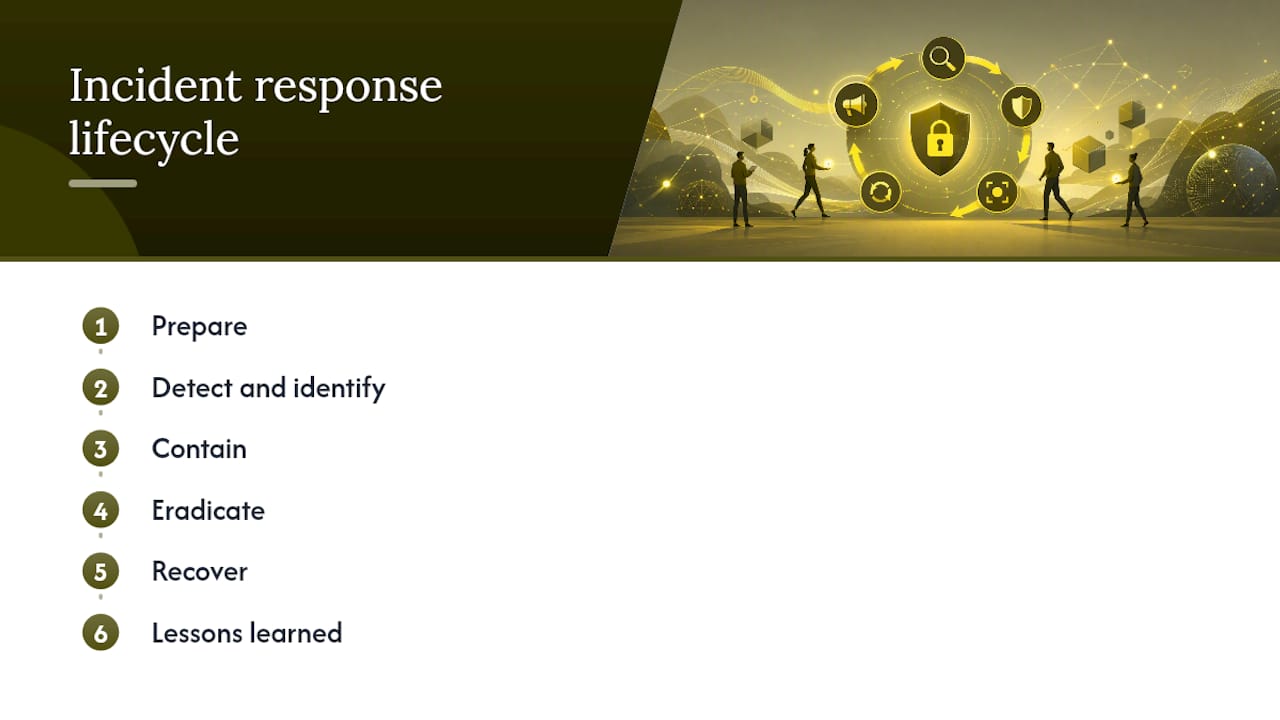
The widely used lifecycle has six phases: prepare, detect and identify, contain, eradicate, recover, and lessons learned.
How long should containment take?
Short-term containment steps like isolating a device or disabling an account should happen within minutes of confirming an incident; long-term containment such as rebuilding systems can take days.
How often should you test your incident response plan?
The Canadian Centre for Cyber Security recommends testing and revising your plan at least annually to keep it effective against current threats.
Can a managed IT provider handle incident response?
Yes. Providers like 247techify offer 24/7 monitoring and rapid response under 30 minutes, either as a full outsourced solution or as co-managed support alongside an internal IT team.